PilotPost
 By
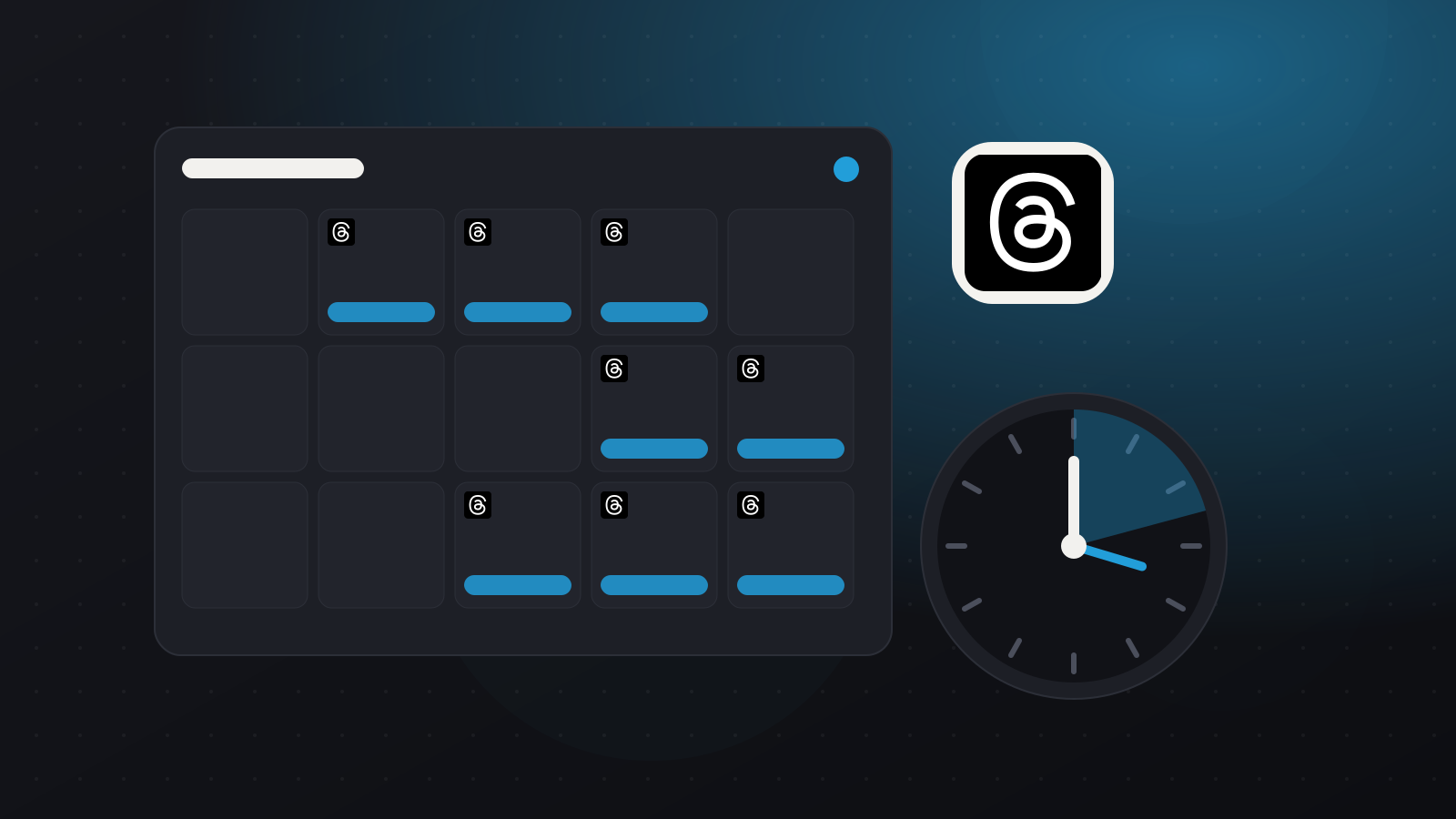
You can schedule a Threads post inside Threads itself: write your post, open the more options menu (the three dots) in the composer, choose Schedule, pick the date and time and confirm. To schedule Threads together with Instagram, X, Bluesky and your other networks, use a social media scheduler.
Key takeaways
- Threads has built-in scheduling in the app and on the web.
- Native scheduling works one post at a time, for Threads only.
- A scheduler lets you post the same idea to Threads, X and Bluesky together, adjusted for each network's limits.
- Threads posts have a 500-character limit.
Option 1: Schedule in Threads
- Open Threads and start a new post.
- Write your text and add any photos or video.
- Tap the more options menu (three dots) in the composer.
- Choose Schedule, pick a date and time and confirm.
Your scheduled posts appear in a scheduled list, where you can change or cancel them. Menu wording can differ between the app and the website.
Option 2: Schedule Threads with your other networks
Threads, X and Bluesky suit the same short, conversational posts. In PilotPost:
- Connect Threads, X and Bluesky on the Accounts page.
- Write your post once and tick all three.
- PilotPost checks each network's character limit while you type, so you can shorten the X version if needed.
- Choose a time or click Add to queue.
Comments on your Threads posts come into PilotPost's inbox, and Insights shows each Threads post's views and interactions.
Tips for scheduling Threads posts
- Write like a conversation. Questions and short opinions get more replies than links.
- Reply quickly to the first comments after a post goes live.
- Post at your best times. See the best time to post on Threads.
- Read our guide to using Threads for business.
FAQ
Can you schedule posts on Threads?
Yes. Threads has a built-in scheduling option in the composer, and schedulers such as PilotPost can also publish to Threads.
Can I schedule Threads posts from a computer?
Yes. Use Threads on the web, or a scheduler such as PilotPost in any browser.
Can I post to Threads and Instagram at the same time?
Yes. In PilotPost you can tick Threads, Instagram and any other connected networks in one post.