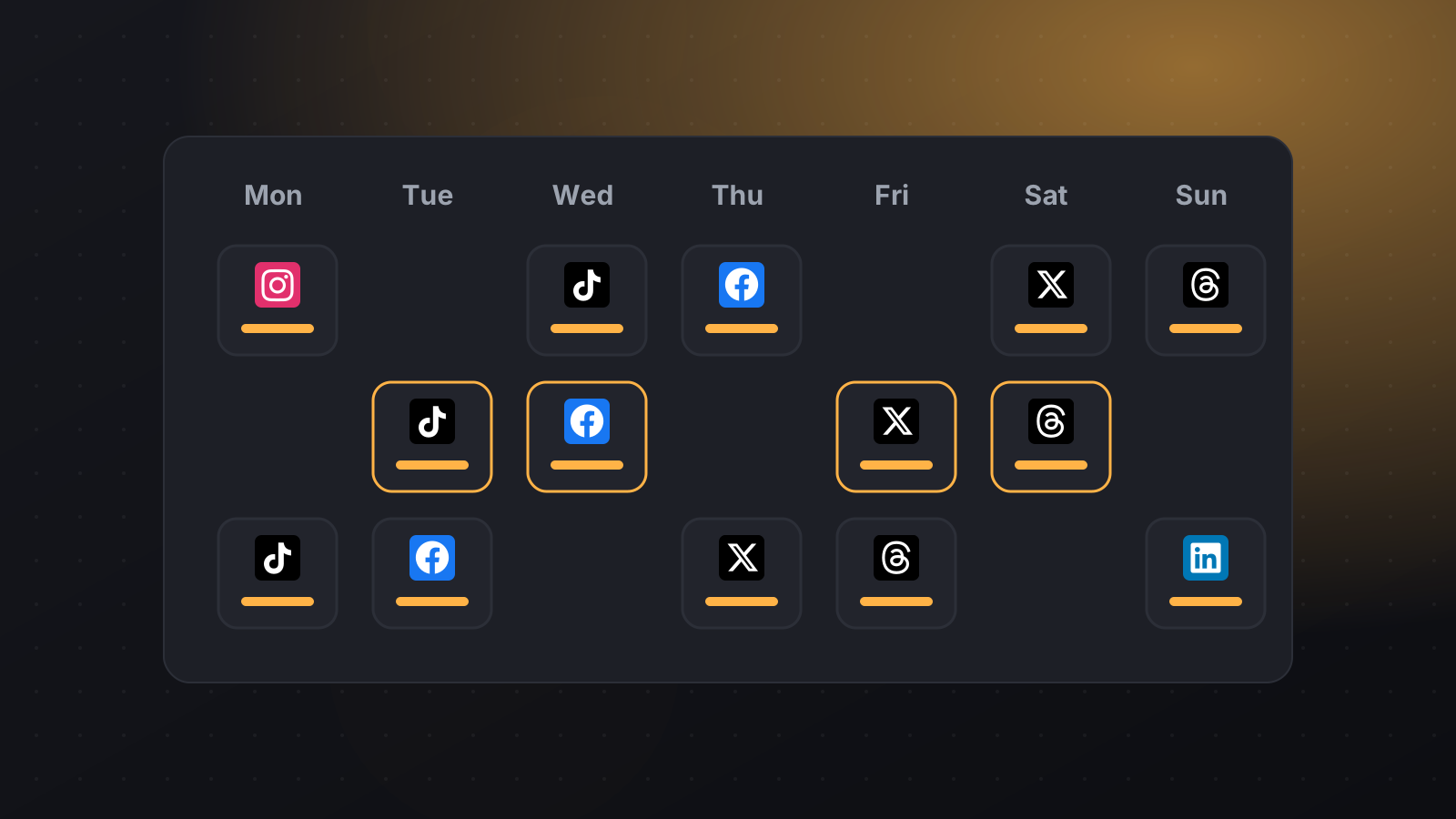
T Schedule posts to Threads Keep the conversation going on Threads with text, photos and videos published on time, alongside your other networks.
01 Text, images and video Post text on its own or with up to 20 images and videos.
02 Limits checked for you PilotPost counts your 500 characters and your one hashtag as you type.
03 Pairs with Instagram Schedule the same idea to Instagram and Threads together.
04 Publishes automatically No need to be online when your post goes out.
What you can schedule Text posts up to 500 characters Up to 20 images or videos One hashtag per post Up to 5 links What you need A Threads profile , which you sign in to with your Instagram account.
How to schedule Threads posts with PilotPost Create your PilotPost account and choose a plan. Open Accounts and click Connect Threads . Click + New post , tick Threads and any other networks, then write your post and add media. Pick a date and time and click Schedule . PilotPost publishes it for you, even when you're offline. Tips for Threads Write like you talk: Threads rewards conversation. Ask a question to invite replies. Use your one hashtag (topic tag) for the main subject. Questions about Threads and PilotPost Can PilotPost publish to Threads automatically? Yes. Text, image and video posts are published at the time you choose.
How many hashtags can I use on Threads? Threads allows one hashtag (topic) per post. PilotPost warns you if you add more.
Can I schedule carousels on Threads? Yes. Add several images or videos and they're published together.
Do I need an Instagram account? Yes. Threads profiles are linked to Instagram, so you log in with your Instagram account.
Also publish to Every plan includes every network: Facebook Page, Instagram, Threads, LinkedIn, X (Twitter), TikTok, YouTube, Pinterest, WhatsApp Business, Telegram and Bluesky.
Schedule your Threads posts in minutes Connect Threads, write once and publish to all your networks on time.
Start scheduling with PilotPost