B Schedule posts to Bluesky Grow your presence on Bluesky with posts and images published on time, connected safely with an App Password.
01 Text and up to 4 images Share updates and photos to your Bluesky followers.
02 Safe connection Connect with an App Password you can revoke at any time, never your main password.
03 Limits checked PilotPost counts your 300 characters and checks image sizes for you.
04 Cross-post easily Publish the same post to X and Threads at once.
What you can schedule Text posts up to 300 characters Up to 4 images, each under 1 MB Video isn't supported yet What you need A Bluesky account and an App Password (Bluesky → Settings → Privacy and security → App passwords).
How to schedule Bluesky posts with PilotPost Create your PilotPost account and choose a plan. Open Accounts and click Connect Bluesky . Click + New post , tick Bluesky and any other networks, then write your post and add media. Pick a date and time and click Schedule . PilotPost publishes it for you, even when you're offline. Tips for Bluesky Bluesky audiences value genuine conversation over promotion. Keep images under 1 MB so they upload quickly. Follow and reply to people in your niche to grow. Questions about Bluesky and PilotPost Is it safe to connect Bluesky? Yes. You use an App Password, not your real password, and you can delete it in Bluesky whenever you like.
Can I use my own Bluesky server (PDS)? Yes. Enter your server address when connecting; leave it blank for bsky.social.
Can I post videos to Bluesky? Not yet. You can post text and up to 4 images.
Why is my image rejected? Bluesky images must be under 1 MB. Use a smaller or compressed image.
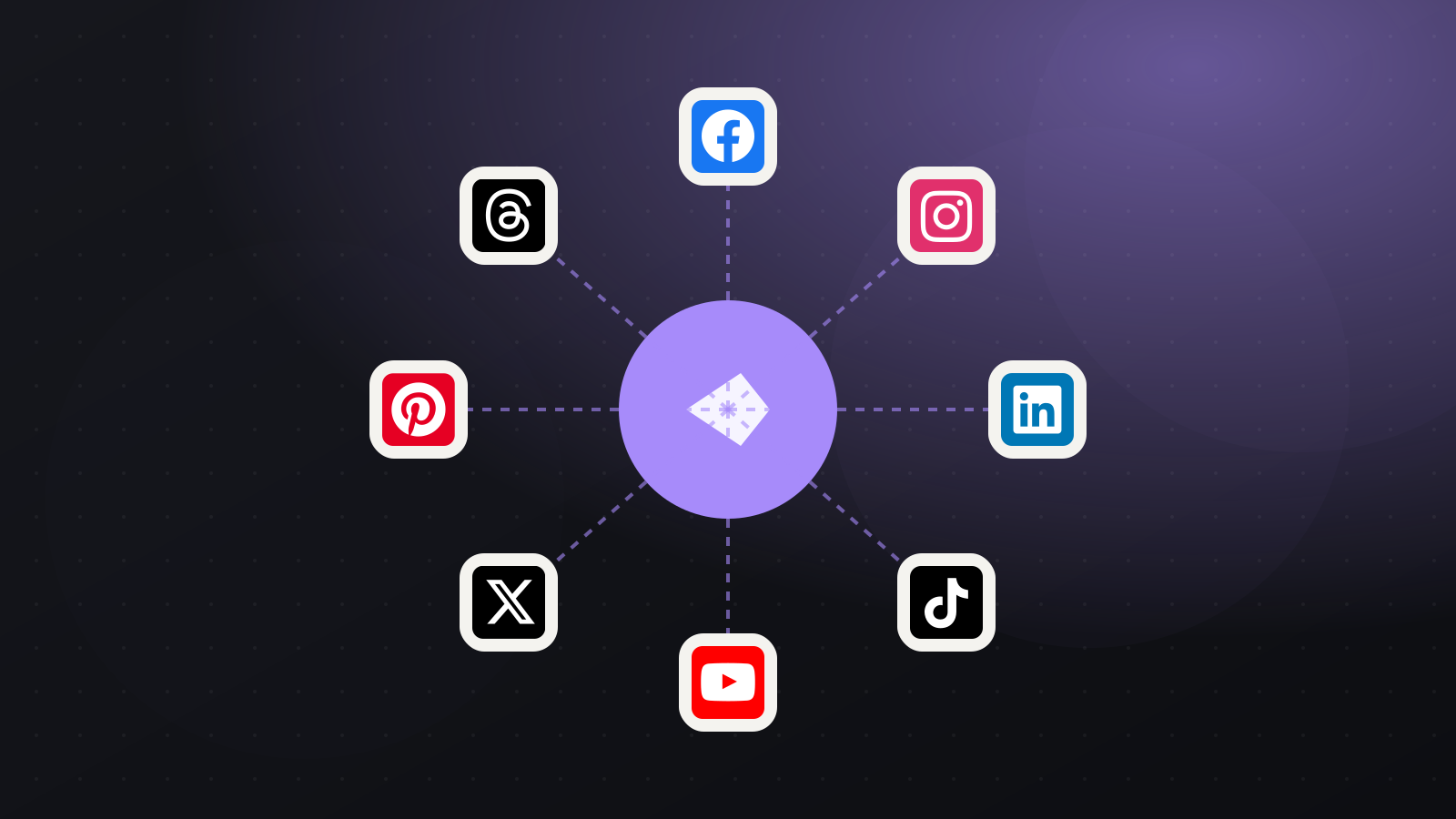
Also publish to Every plan includes every network: Facebook Page, Instagram, Threads, LinkedIn, X (Twitter), TikTok, YouTube, Pinterest, WhatsApp Business, Telegram and Bluesky.
Schedule your Bluesky posts in minutes Connect Bluesky, write once and publish to all your networks on time.
Start scheduling with PilotPost