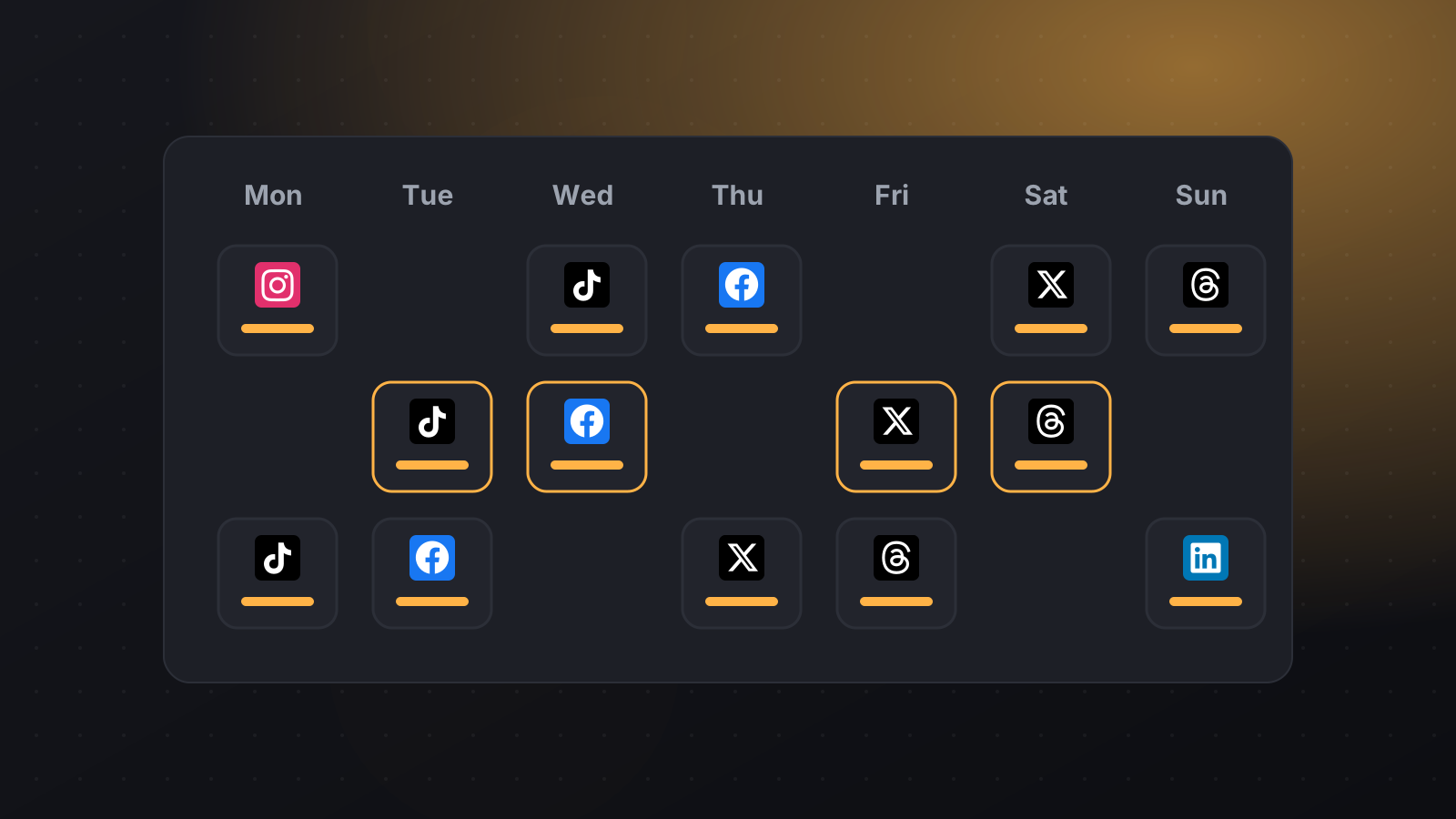
X Schedule posts to X (Twitter) Plan your posts on X with text and images and publish them on time, together with LinkedIn, Bluesky and Threads.
01 Text and up to 4 images Share a quick update or a set of images.
02 280 characters counted See exactly how much room you have as you type.
03 One post a day, every plan Each plan includes one X post per day, scheduled whenever you like.
04 Cross-post in one click Send the same idea to Bluesky, Threads and LinkedIn at the same time.
What you can schedule Text posts up to 280 characters Up to 4 images One X post per day on every plan Video isn't supported yet What you need An X account . You authorize PilotPost on X's own login page.
How to schedule X (Twitter) posts with PilotPost Create your PilotPost account and choose a plan. Open Accounts and click Connect X (Twitter) . Click + New post , tick X (Twitter) and any other networks, then write your post and add media. Pick a date and time and click Schedule . PilotPost publishes it for you, even when you're offline. Tips for X (Twitter) Make one clear point per post. Images get more attention than text alone. Use 0–2 hashtags at most. Questions about X (Twitter) and PilotPost Why is there one X post per day? X charges for every post published through its API. One daily post per account keeps every plan affordable.
Can I schedule videos to X? Not yet. You can post text and up to 4 images.
Can I schedule threads on X? Not at the moment. Each scheduled post is a single post.
Do you need my X password? No. You log in on X's own page and approve PilotPost. We never see your password.
Also publish to Every plan includes every network: Facebook Page, Instagram, Threads, LinkedIn, X (Twitter), TikTok, YouTube, Pinterest, WhatsApp Business, Telegram and Bluesky.
Schedule your X (Twitter) posts in minutes Connect X (Twitter), write once and publish to all your networks on time.
Start scheduling with PilotPost