Connect a bot you create in Telegram; remove it from your channel whenever you like.
02
Long posts welcome
Write up to 4,096 characters with up to 10 photos or videos.
03
Channels and groups
Post to public or private channels and groups where your bot is an admin.
04
Part of your plan
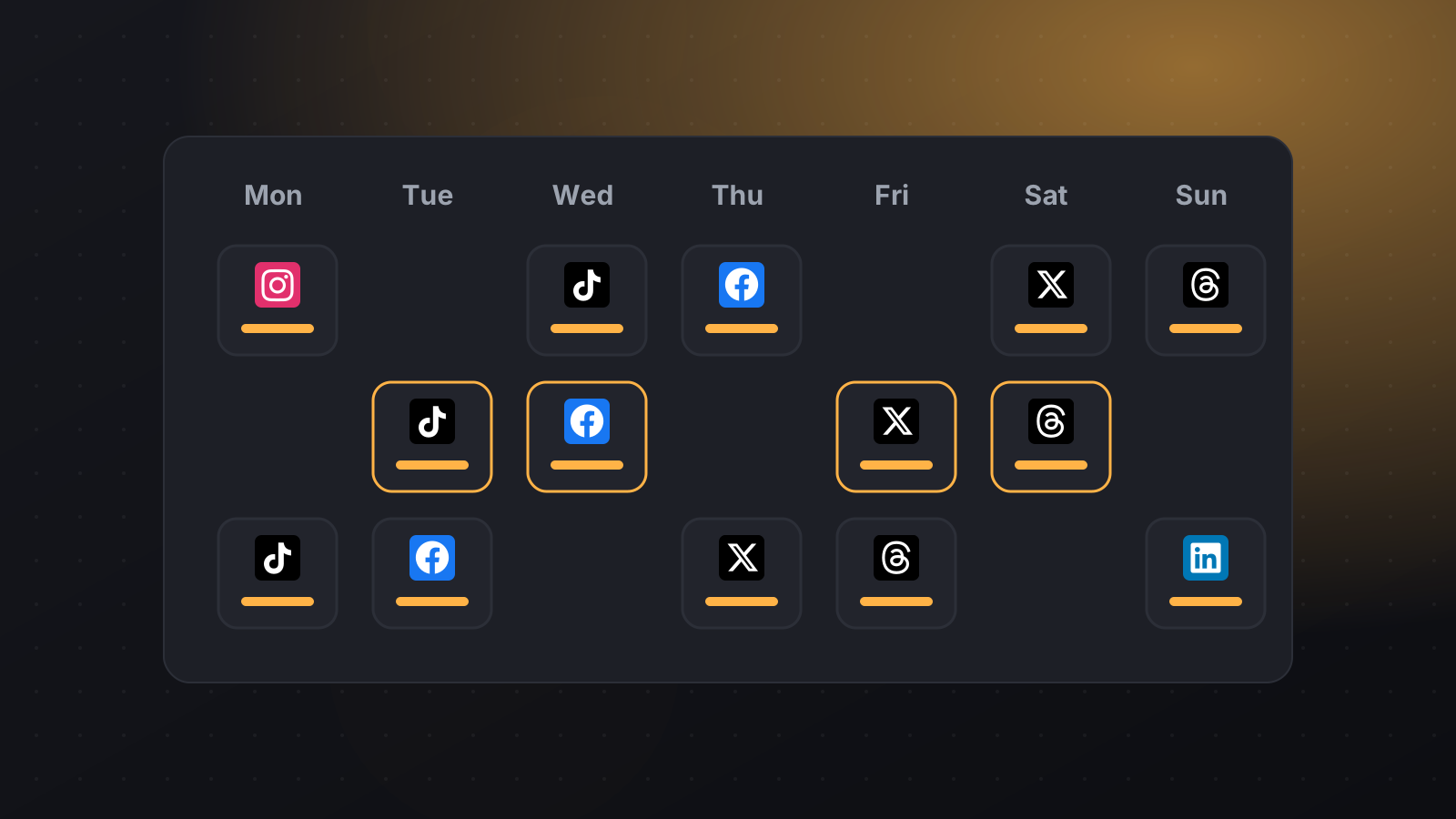
Schedule Telegram alongside your other networks from one calendar.
What you can schedule
Messages up to 4,096 characters
Up to 10 images or videos
Public and private channels
Groups where the bot is an admin
What you need
A Telegram bot (create one with @BotFather) added as an admin of your channel or group.
How to schedule Telegram posts with PilotPost
Create your PilotPost account and choose a plan.
Open Accounts and click Connect Telegram.
Click + New post, tick Telegram and any other networks, then write your post and add media.
Pick a date and time and click Schedule. PilotPost publishes it for you, even when you're offline.
Tips for Telegram
Pin important announcements in your channel.
Post at a consistent time so subscribers know when to check.
Use photos or video to make updates stand out.
Questions about Telegram and PilotPost
How do I connect Telegram?
Create a bot with @BotFather, add it as an admin of your channel, then paste the bot token and channel name into PilotPost. Our help centre has a step-by-step guide.
Can I post to a private channel?
Yes. Use the channel's numeric ID (it starts with -100) instead of a @username.
Is my bot token safe?
It's encrypted when stored. You can revoke it in @BotFather at any time.
Every plan includes every network: Facebook Page, Instagram, Threads, LinkedIn, X (Twitter), TikTok, YouTube, Pinterest, WhatsApp Business, Telegram and Bluesky.
Telegram scheduler: schedule posts to your Telegram channel