Social media content batching means making a lot of posts in one focused session instead of creating something new every day. To plan a month of posts in one afternoon, split the time into four blocks (ideas, writing, visuals and scheduling) and finish each block for the whole month before starting the next.
The saving comes from not switching tasks. Writing 12 captions back to back is much faster than writing one caption on 12 separate days, because you stay in the same mindset and the same tools.
Key takeaways
- Batch by task, not by post: do all the ideas, then all the writing, then all the visuals, then all the scheduling.
- Decide your volume before you start. A realistic number beats an ambitious one you abandon in week two.
- A theme-per-day grid removes the blank-page problem, because each slot already has a job.
- Leave a few gaps on purpose and fill them with a posting queue, repeating posts and live, timely content.
- Prepare the inputs (goals, assets, product dates) before the afternoon so the session is all making and no hunting.
What is social media content batching, and why does it work?
Content batching is grouping similar tasks so you do them in one stretch, then scheduling the results to publish over days or weeks. It works because most of the time cost in social media is context switching: opening the app, remembering your tone, finding a photo, deciding what to say.
Batching also improves quality. When you see a month of posts together, you notice repetition, gaps and an overdose of promotion. You can balance the mix on purpose rather than posting whatever is in front of you that morning.
This guide covers the work that happens before the calendar. If you want help laying out the calendar itself, see our guide to building a social media content calendar, and for choosing how often and when to post, read how to create a posting schedule that lasts.
How many posts should you batch in one afternoon?
Batch the number of posts you can sustain, not the most you could possibly produce. Work it out with simple arithmetic: posts per week, multiplied by four, multiplied by the number of networks where the content is different.
For example:
- Three posts a week on Instagram and Facebook with shared content is about 12 posts to create, adapted for two networks.
- Add one LinkedIn post a week with its own writing and you have 16 pieces in total.
- Add two short videos a month and you have 18.
A solo owner usually finds 12 to 20 pieces comfortable in a four-hour session. If you manage several brands, batch one account per afternoon rather than squeezing them together. Our guide to managing multiple social media accounts covers how to split the workload.
If you are unsure, start smaller. A fortnight of posts that you actually publish is worth more than a month you never finish.
What should you prepare before the batching session?
Prepare your inputs the day before, so the afternoon is spent making things rather than looking for them. A 15-minute prep pass saves a surprising amount of drifting later.
Use this checklist:
- Goal for the month. One sentence, such as: more enquiries for autumn bookings, or more newsletter sign-ups.
- Dates that matter. Launches, sales, events, opening hours changes, holidays your audience cares about.
- Your best recent posts. Look at what got saves, comments or replies, and note the pattern.
- Raw material. Customer questions, reviews, behind-the-scenes photos, product shots, voice notes, old blog posts.
- Brand basics. Tone notes, hashtag sets, approved phrases, a short list of words you avoid.
- Tools open. Your scheduler, your design tool, your photo folder and a blank document for ideas.
If you have not looked at your accounts in a while, a quick social media audit will show you which formats and topics are worth repeating.
How do you run a content batching afternoon, step by step?
Run it as four timed blocks with short breaks, and do not move to the next block until the current one is finished. The plan below assumes about four hours and around 16 to 20 posts.
| Time | Block | What you finish |
|---|---|---|
| 0:00 to 0:40 | Ideas | A list of 20 to 25 raw ideas, sorted into themes |
| 0:40 to 1:50 | Writing | Captions and short scripts for every chosen idea |
| 1:50 to 2:00 | Break | Away from the screen |
| 2:00 to 3:10 | Visuals | Images, carousels and video covers, named and filed |
| 3:10 to 3:50 | Scheduling | Everything loaded with dates and times |
| 3:50 to 4:00 | Review | A quick scan of the month for balance and errors |
Block 1: Ideas (40 minutes)
- Spend 10 minutes dumping ideas without judging them. Use your raw material: questions customers ask, mistakes you see, before-and-afters, how something is made.
- Spend 10 minutes sorting ideas into your themes (see the grid below).
- Cut the list down to the number of posts you need, plus two spares.
- For each idea, write one line: the point, and what you want the reader to do.
Stay out of the design tool during this block. Ideas are cheap, and you are not choosing visuals yet.
Block 2: Writing (70 minutes)
- Write all the captions in one document, in the order of your grid.
- Write the first line of each post first. It is the part people see before deciding whether to read on.
- Write the main body, then a single clear call to action. Not every post needs a call to action, but every post needs a reason to exist.
- Adapt, do not copy. Keep the core message and then trim for the network. Threads allows up to 500 characters, X up to 280, Bluesky up to 300, and LinkedIn up to 3,000, so a long LinkedIn post needs a tighter version elsewhere.
- Add hashtags last, using saved sets rather than inventing them each time.
If you get stuck on a caption, an AI caption assistant can give you a rough first draft to edit. PilotPost has an AI assistant for this. Treat the output as a starting point and rewrite it in your own voice.
Block 3: Visuals (70 minutes)
- List the visual each post needs next to its caption: photo, carousel, short video, plain text.
- Work by format. Make all the carousels together, then all the quote or tip graphics, then edit video clips.
- Use templates so every graphic has the same layout, fonts and colours. Changing only the words takes a fraction of the time of designing from scratch.
- Name files with the planned date and a keyword, such as 03-tue-tip-packaging, so you can match them to captions later.
- Remember network requirements: Instagram needs an image or video, and a carousel can hold up to 10. TikTok takes one video or 2 to 35 photos. Pinterest takes one image per Pin.
For carousel structure, the guide on Instagram carousel ideas has slide layouts you can reuse.
Block 4: Scheduling (40 minutes)
- Create each post once, attach the visual and choose the networks.
- Check the preview for each network, because text can wrap or truncate differently.
- Pick a date and time that matches your grid. If you are unsure about times, look at your own results first and general guidance second.
- Add labels such as theme or campaign, so you can filter the month later.
- Send anything that needs sign-off for approval before it goes live.
If you already keep your captions in a spreadsheet, you can load many at once with bulk scheduling from a CSV rather than creating each post by hand. In PilotPost you write a post once and schedule it to as many connected networks as you like, which is the natural end point for a batching session.
How do you build a theme-per-day grid?
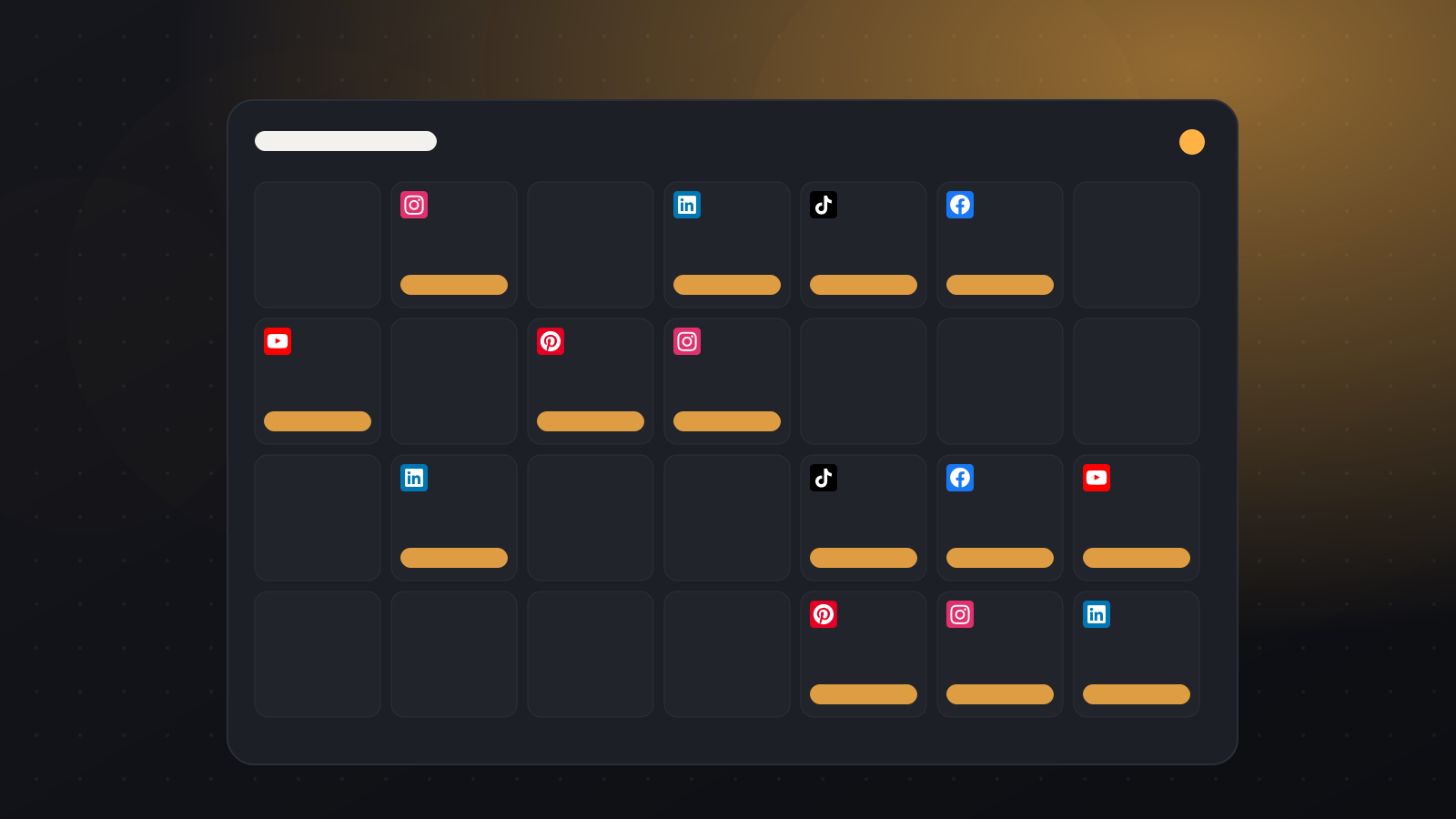
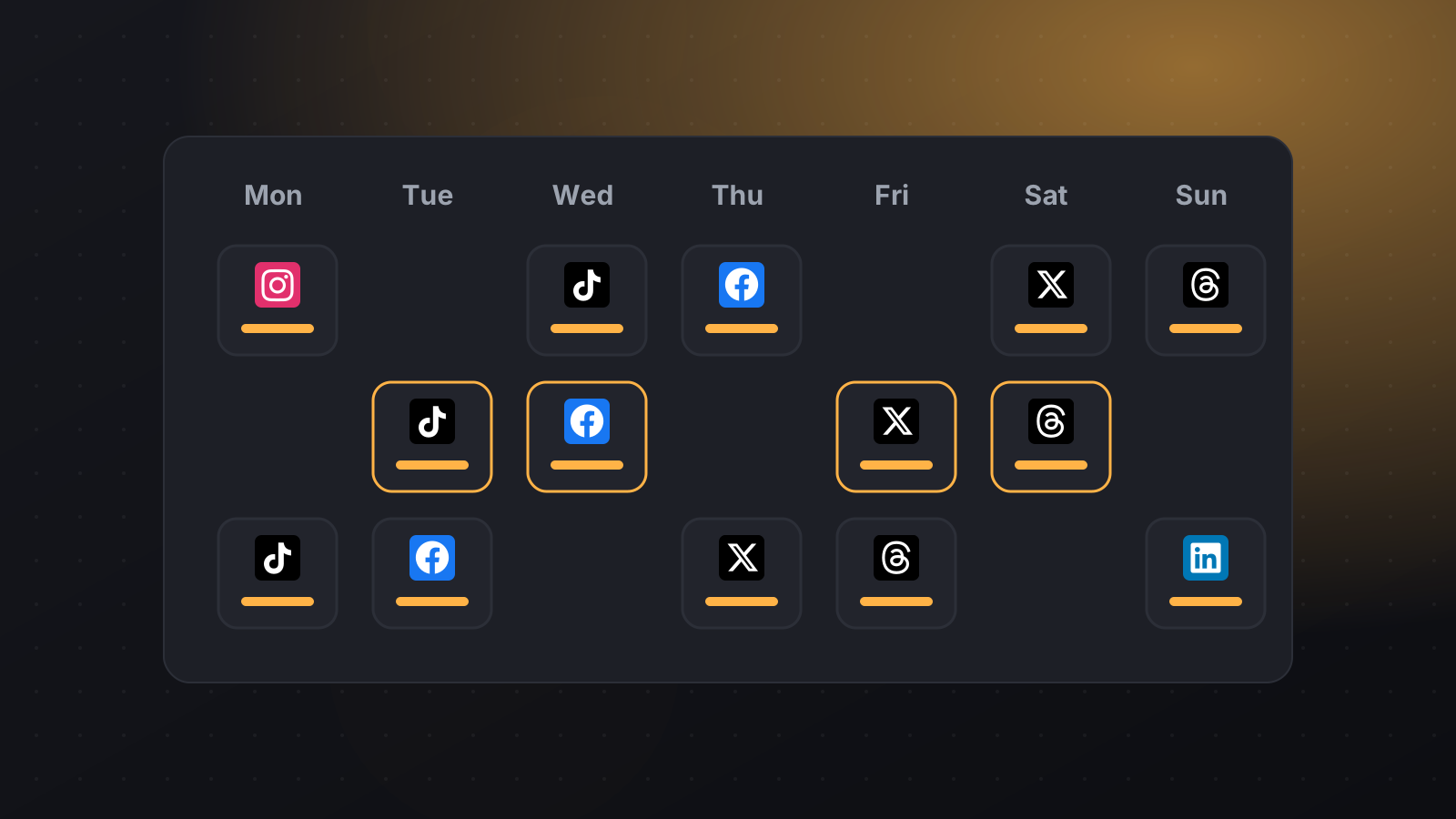
A theme-per-day grid assigns a repeating content type to each posting day, so you never start from nothing. Pick three to five themes that fit your business and give each one a weekday.
Here is a reusable example for a small local business posting four times a week:
| Day | Theme | Example post | Typical format |
|---|---|---|---|
| Monday | Useful tip | One quick fix your customers always ask about | Carousel or short text |
| Tuesday | Behind the scenes | How an order is made or a day in the workshop | Photo or short video |
| Thursday | Proof | A customer result, review or before-and-after | Image with a short story |
| Saturday | Offer or invitation | A product, booking slot or event, with one clear next step | Image or video with a link |
Some rules that keep the grid useful:
- Keep it light on selling. One post in four being clearly promotional is a sensible starting point, but adjust to your audience.
- Name the theme in your notes, not necessarily in the post. The theme is for you. The reader just sees helpful content.
- Rotate sub-topics. Under Useful tip, you might cycle between beginner mistakes, myths, tools and quick checklists.
- Change the grid when results change. If proof posts get the most replies, give them a second slot.
Creators can swap the themes for series, such as Tutorial, Story, Reaction and Q&A. Agencies can keep one grid per client and reuse it every month. The wider approach to small business content is covered in our practical guide to social media for small business.
How do you fill gaps with a posting queue and repeating posts?
Use a posting queue for content that does not depend on a date, and repeating posts for content that can safely appear more than once. Together they keep your accounts active between batches without another full session.
A queue is a set of weekly time slots you define. You add posts to the queue and each one goes out in the next free slot. That suits evergreen content such as tips, FAQs, how-to posts and testimonials. PilotPost lets you set your own weekly slots, and the details are in the queue and repeat help page.
Repeating posts suit things that stay true over time:
- Opening hours or booking reminders.
- A standing offer or service description.
- Your best-performing evergreen tip, reposted every few months.
- A weekly series with the same format, such as a Friday question.
To keep repetition from feeling stale, change the first line or the image each time, and avoid repeating anything with a date, price or deadline that may become wrong.
A sensible split for most small teams is about 70 to 80 per cent scheduled content from the batch, a small evergreen queue as a safety net, and a few empty slots for live posts.
How do you keep batched content from feeling stale?
Leave room for live moments, review the plan weekly, and let results change the next batch. Batching is a production method, not a promise to ignore what is happening in the world or in your business.
Build these habits in:
- Keep two or three slots open each month for news, a customer story, a sudden sell-out or a trend that suits your brand.
- Do a five-minute check each week. Skim upcoming posts, check nothing has become inaccurate, and swap a post if needed.
- Reply to comments in real time. Scheduled posts still need a human to answer the replies.
- Review results before the next session. Note which themes and formats earned comments, saves or clicks, and shift your grid accordingly. If you need to decide which numbers to follow, see social media KPIs worth tracking.
If you work with clients or a team, agree on an approval step before the afternoon, not after. Our guide to a client approval process that does not slow you down shows how to batch drafts for review in one go.
A copy-and-paste batching checklist
Print it or paste it into your notes app.
The day before
- Write the one-sentence goal for the month.
- List dates, launches and events.
- Gather photos, clips and customer questions.
- Check your hashtag sets and brand notes.
During the afternoon
- Ideas: list 20 to 25, then cut to the number you need plus two spares.
- Writing: first lines first, then bodies, then calls to action, then hashtags.
- Visuals: by format, from templates, with date-based file names.
- Scheduling: previews checked, labels added, approvals sent.
- Gaps: queue loaded with evergreen posts, repeating posts set, a few slots left empty.
Once a week after that
- Skim upcoming posts for accuracy.
- Reply to comments and messages.
- Add one live post if something relevant has come up.
If you want one place to do the writing, scheduling, queue and previews, you can start a free trial of PilotPost and run your first batching session there.
FAQ
How often should I batch social media content?
Most small teams batch once a month, with a short weekly check in between. If your content depends heavily on news or stock changes, a fortnightly session of half the size can work better.
Can I batch content if I post on several networks?
Yes. Write the core idea once, then adapt the length and format for each network, since character limits and media rules differ. A scheduler with per-network previews makes it easier to catch anything that will not fit before it goes live.
Will scheduled posts perform worse than posts made live?
There is no reason a well-made scheduled post should perform worse just because it was prepared earlier. What matters is relevance, quality and whether you respond to comments afterwards. Keep a few slots free for live content so your feed still feels current.
What if I run out of ideas before the month is full?
Use the theme grid to narrow the question, for example by asking for one tip or one customer story rather than a post. Fill any remaining gaps with evergreen posts in your queue, and note down new ideas during the month so the next session starts with a head start.