Strategy
AI Social Media Content Calendar: Plan a Month With Prompts
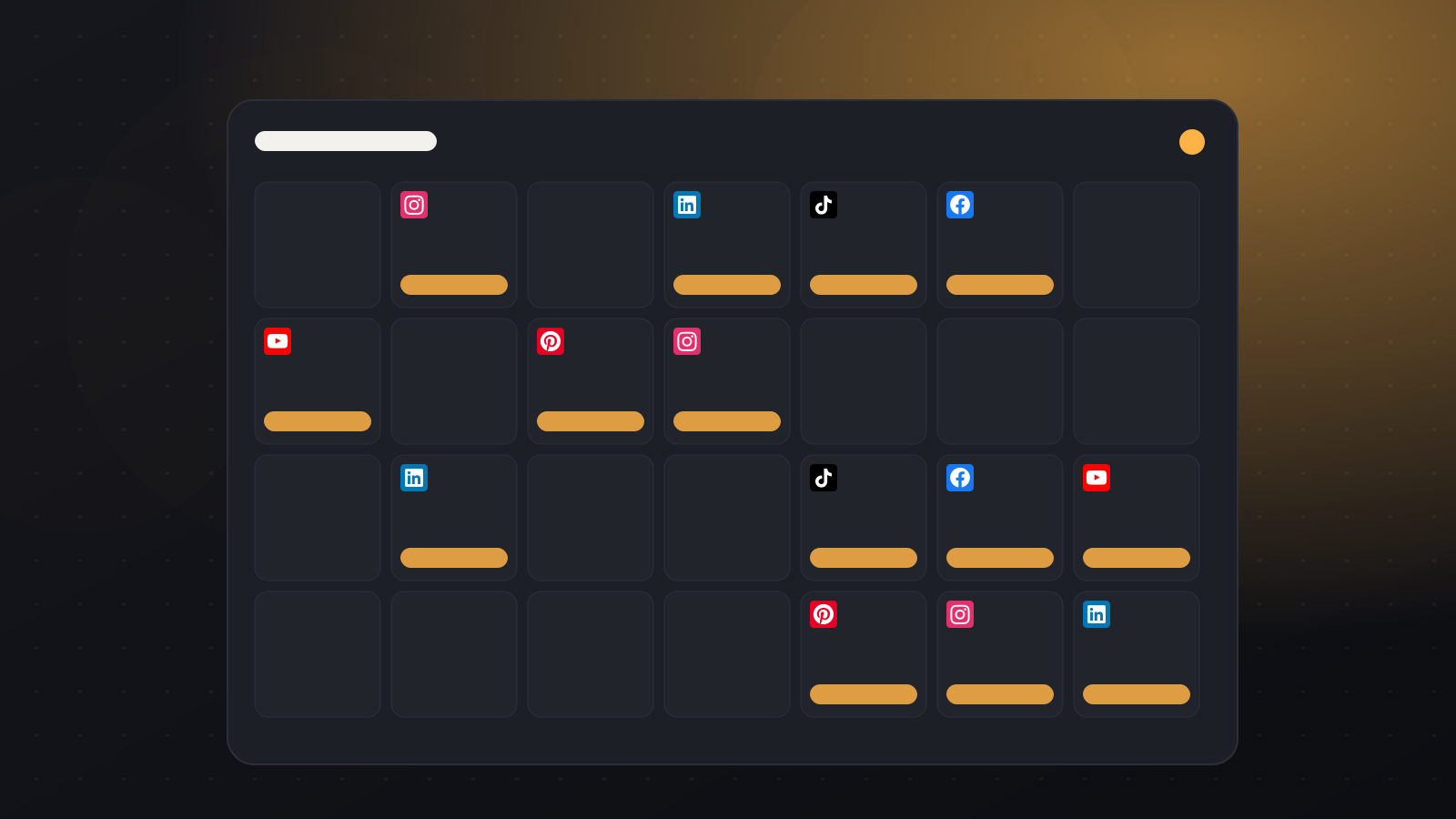
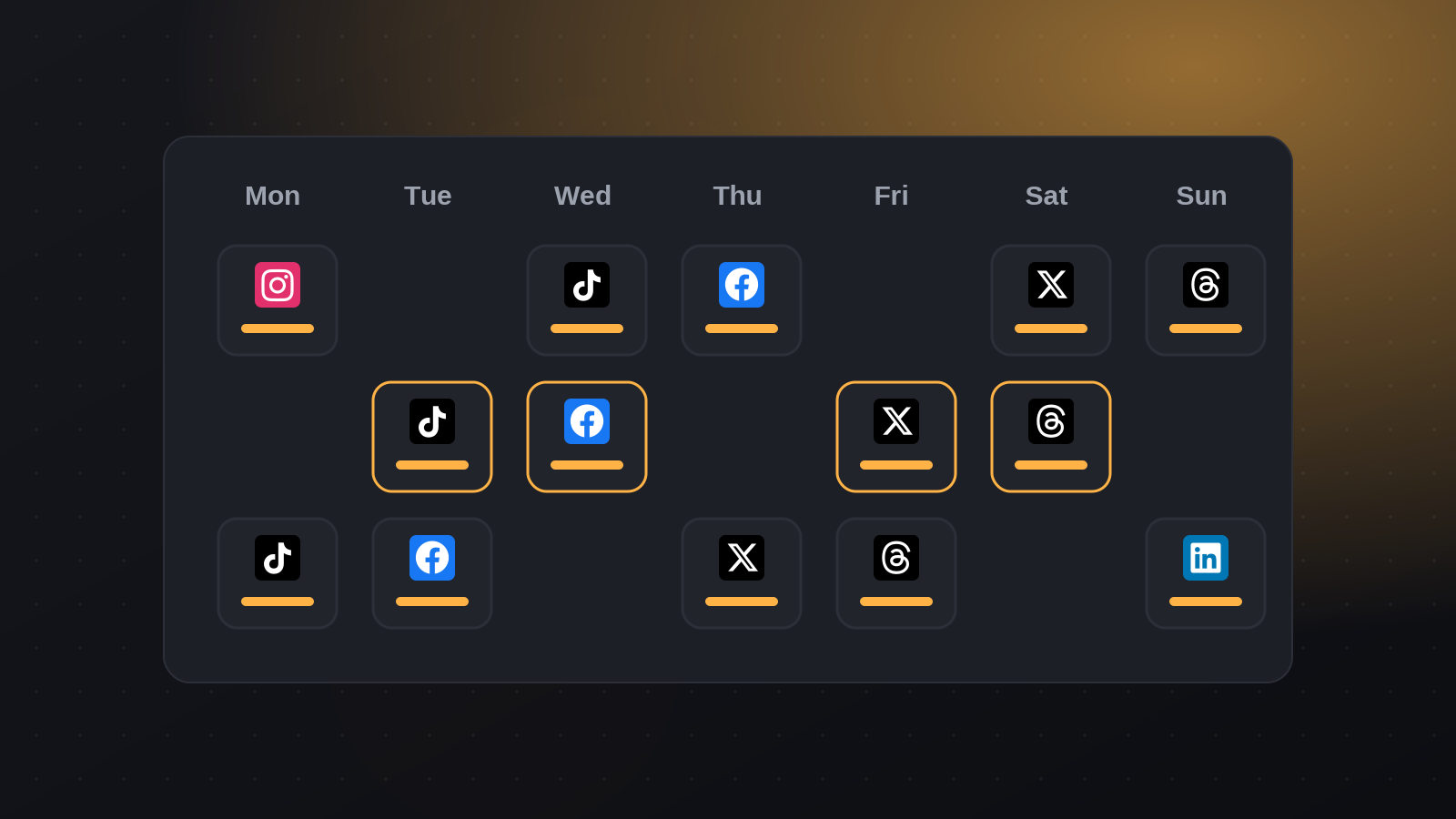
Build an AI social media content calendar from your pillars, offers and dates: copy-ready prompts, an editing pass and a CSV to schedule a month.
 PilotPost
Practical guides to plan, schedule and grow on every social network.
Build an AI social media content calendar from your pillars, offers and dates: copy-ready prompts, an editing pass and a CSV to schedule a month.
Increase social media engagement with a weekly plan: posts that invite replies, conversations you start and people you thank, in 20 minutes a day.
Learn how to reply on X to grow a business account: pick the right conversations, write replies that add value, and follow a 15-minute daily routine.
Social media challenge ideas for small business: five formats, a day-by-day post template, a hashtag and rules checklist, and how to schedule it all.
A copy-and-use social media post checklist: 15 checks for copy, links, media, tags, alt text and previews, with a solo and an agency version.
Bulk schedule Pinterest Pins from a CSV: a copy-ready column layout, spacing rule, naming routine and pre-upload checklist to spread a batch over weeks.
Write each Facebook Page About field well: intro, description, category, contact details, hours and links, with fill-in templates for local businesses.
Get your first 100 followers by starting with people you already know. A 4-week plan with a checklist and tracking sheet for small businesses.
Give someone access to your Facebook Page without sharing your password: choose full or task access, add them, then remove them when they leave.
Use your pinned post on X for business as a shop window. Five formats to copy, fill-in templates, a swap rule and a monthly review checklist.
Plan a Pinterest seasonal content calendar by working back from your peak selling dates, with a 4-stage pinning timeline and a bulk-schedule workflow.
A fill-in social media photo shoot shot list for your phone: people, process, product, place and proof shots that fill a month of posts in an hour.
Turn one blog post into a week of social posts with AI: pull key points, write scoped prompts per network, edit, then schedule. Includes a template.
Build an AI brand voice prompt: a reusable voice brief with example posts, words to avoid and sentence rules, so AI drafts sound like your business.
Use this one-page AI policy for your social media team: what AI can draft, who checks facts and voice, what to tell clients and how approvals work.
A one-page cheat sheet of Facebook post size: cover, profile, feed, Stories and Reels dimensions, safe zones and what to check before you schedule.
Plan Facebook event promotion with a 3-week countdown: announce, remind, last call, live updates and thank-you posts, with templates you can copy.
Set up a Pinterest business account in a week: profile basics, claiming your website, starter boards and your first 10 Pins scheduled in one sitting.
Social listening for small business without a paid tool: a 20-minute weekly routine to find mentions, competitor chatter and customer questions.
Social media character limits for X, Bluesky, Threads, Instagram, LinkedIn and Telegram, plus how to write one message and trim it to fit each.
X profile picture and header size for business: a checklist covering safe areas, cropping, cross-network consistency and a quick refresh routine.
Use a short brand brief and 15 fill-in AI prompts for ideas, captions, repurposing and replies, plus a review step before you schedule posts.
Call to action examples for social media, matched to one goal each: comments, saves, clicks, enquiries, shares and replies, with wording per network.
Turn reviews and testimonials into social posts: get permission, trim the right details, use six fill-in templates and schedule social proof.
Ask happy customers for Facebook recommendations without being pushy. Get copy-and-paste ask templates, a repeating post schedule and reply scripts.
Get more followers on X as a small business with a 20-minute daily routine: reply sessions, a pinned post, one series and one scheduled post a day.
Learn how to work with micro-influencers on a small budget: find creators, send a short message, write a one-page brief, agree usage and plan posts.
Learn how to write a good X bio for business: six fill-in formulas, plus link, header and pinned post tips and a checklist to finish your profile.
The best Pinterest Pin size is a 2:3 vertical image, such as 1000 x 1500 px. Get safe zones, file basics and a pre-publish checklist for business.
Alt text describes an image for people who can't see it. Learn how to write short, useful alt text for social posts, with before-and-after examples.
How to add subtitles to social media videos: when to burn them in, when to upload a caption file, and a checklist to run before you schedule.
Edit AI-written social posts with a 10-point checklist: check facts, restore your tone, fit each platform and get approval before you schedule.
Set up a Facebook business page step by step: name, category, images, About details, button, roles and a first week of scheduled posts, ready to use.
Pinterest SEO for business means treating Pinterest as a search engine. Learn how to find keywords and write Pin titles and descriptions that get found.
Social media giveaway ideas for small business: pick a prize tied to your offer, choose an entry mechanic, write clear rules and use our checklist.
One-page social media visual style guide template: fill in colours, fonts, photo style, logo placement, safe zones and cover images for consistent posts.
Twelve reusable X post formats for small businesses, each with a fill-in-the-blank example under 280 characters and a simple one-post-a-day weekly plan.
An AI social media workflow for small teams: what to let AI draft, what to let it assist with, and what to keep human, plus a brand voice checklist.
A Facebook Page builds your public presence; a Group builds a community. Learn which your business needs, what to post and a simple weekly routine.
A practical weekly plan for Facebook Reels for business: what to post, how often, how to repurpose Instagram and TikTok videos, and how to schedule.
Get traffic from Pinterest to your website by turning one page into several Pins, tagging each link with UTMs and scheduling them over weeks.
A practical 30-day plan to grow on X as a small business: one 280-character post a day, a 10-minute replying routine and a simple Friday review.
How many Pinterest boards should a business start with? Aim for 8 to 12, named for search, and fill them weekly. Includes a naming template and checklist.
Eight social media collaboration ideas for small business, with a pitch template, partner checklist and a simple way to plan and track each collab.
Out of social media content ideas? Use these 10 prompts and a simple capture sheet to turn customer questions and reviews into a month of posts.
15 Facebook Page post ideas for local businesses, each with a short template, plus a simple four-week plan to schedule them in a queue this month.
Learn how to respond to comments on social media with a 15-minute daily routine, 15 copy-ready reply templates and rules for complaints and trolls.
Learn how to use AI to write social media captions that sound like you: a simple brief, copy-and-paste prompts, an edit checklist and limits per network.
Learn how to write a thread on X for your business: hook post, numbered body posts, closing call to action, plus templates and a posting plan.
LinkedIn hashtags for business: what they do, how many to use, and how to build reusable sets by content pillar so scheduling is quick and consistent.
12 Pinterest pin ideas for small business, each with a title, description and link formula, plus how to batch them into a weekly Pinterest queue.
Use this fill-in-the-blank short form video script template for 15-45 second business videos, with examples for a cafe, trades firm and consultant.
Learn how to find customer content, ask permission, credit people properly and schedule UGC reposts every week. Includes a copy-and-paste message.
Learn how to choose or design a TikTok cover image, keep your profile grid consistent, and set covers when you schedule videos ahead of time.
Plan 3-5 YouTube playlists for business around customer questions and buying stages, with naming examples, ordering rules and a quarterly tidy-up.
Set social media benchmarks from your own last 30 to 90 days of posts. Use the median, not the average, to judge each post and set realistic targets.
Pick one search phrase per video and use it in your spoken opening, on-screen text, caption, cover and profile. A simple TikTok SEO checklist and sheet.
A realistic LinkedIn company page posting schedule for small teams: what to post each day, how to queue it ahead and how to line up staff posts.
A simple spreadsheet to track every post: which columns to log, a 10-minute weekly routine, and how to decide what to repeat, rework or drop.
Instagram bio ideas for business: what each part of your profile should do, six fill-in-the-blank formulas and a simple link-in-bio checklist.
A one-page social media crisis plan template: define a crisis, name who decides, pause scheduled posts and use holding statements and reply scripts.
Export one vertical video once, then change only the cover, caption, title, hashtags and timing for TikTok, Reels and Shorts. Includes a checklist.
Set social media goals for small business with a fill-in goal sentence, eight example goals and a simple way to check progress in your own insights.
What an AI social media scheduler actually does, which AI features save real time, what to watch out for, and how to plan a week of posts for 11 networks in one sitting.
How to post the same update to Threads, Bluesky and X at once: the limits that differ, a simple writing rule that fits all three, and how to schedule them together.
Can you schedule posts on Bluesky? How to schedule Bluesky posts with a scheduler and an app password, the limits to know, and how to post to Bluesky, Threads and X together.
A LinkedIn carousel post for business is a PDF uploaded as a document. Here is a slide-by-slide structure, export checklist and scheduling routine.
Not sure which TikTok sounds a business can use? Use this checklist to pick original audio, voiceover or library tracks and avoid music issues.
Reach is people, impressions are times shown, views are plays. Learn what each social media metric means, which to report, and how to compare networks.
A social media brand voice guide fits on one page. Use our fill-in template, before-and-after captions and briefing checklist to sound consistent.
Buffer pricing in 2026: the free plan, Essentials and Team per-channel prices, what each includes, how the bill grows with more channels, and cheaper options.
Buffer vs Later in 2026: per-channel vs per-plan pricing, post limits, users, free plans and which scheduler suits creators and small teams.
Hootsuite pricing in 2026: Standard, Professional, Advanced and Enterprise plans, what is included, how per-user pricing adds up for a team, and cheaper alternatives.
Hootsuite vs Sprout Social in 2026: prices per user, social accounts, inbox, listening and reporting compared, and which suits your team.
Pick your best evergreen posts, refresh the hook and visual, set a repeat gap per network and track what to retire, using a simple spreadsheet.
How to schedule Facebook posts on a Page with Meta Business Suite, from your phone, and with a scheduler that posts to Facebook and your other networks together.
How to schedule Instagram posts and Reels: the free way inside the Instagram app, the Meta Business Suite way, and how to schedule Instagram with your other networks.
How to schedule Pinterest Pins with Pinterest's built-in option, what you need for each Pin, and how to schedule Pinterest together with your other networks.
How to schedule Threads posts: the built-in scheduling option in the Threads app and website, and how to schedule Threads with Instagram, X, Bluesky and more.
How to schedule tweets and posts on X: the built-in schedule button on x.com, how to manage scheduled posts, and how to schedule X with your other networks.
Instagram caption ideas for small business: use a simple first line, body and call to action structure, plus 12 fill-in-the-blank templates to copy.
Later pricing in 2026: Starter, Growth and Scale prices with yearly billing, social sets, users and post limits explained, plus cheaper options for more networks.
Later vs Hootsuite in 2026: price, users, post limits, monitoring and which social media tool suits creators, small businesses and teams.
Metricool vs Buffer in 2026: free plans, pricing per brand vs per channel, analytics and which scheduler suits you.
SocialPilot vs Hootsuite in 2026: prices, accounts, users, inbox and monitoring compared, and which is better for agencies and small teams.
Sprout Social pricing in 2026: Standard, Professional and Advanced per-seat prices, what each plan includes, what a team really pays, and cheaper alternatives.
Sprout Social vs Agorapulse in 2026: per-seat prices, inbox, reporting, listening and free trials compared for social media teams.
20 LinkedIn post hooks for B2B: fill-in-the-blank first lines by purpose, how to fit the 'see more' preview, and a simple two-hook test plan you can run.
Add YouTube chapters to business videos: plan them before filming, write clear titles, add timestamps to the description and check before you schedule.
Social media A/B testing for small businesses: change one thing at a time, record results and act only on clear wins. Includes a log and 4-week plan.
Learn what to write in TikTok captions for business, how to handle hashtags and CTAs, plus 12 fill-in-the-blank templates and a batch workflow.
Not sure what to post on TikTok? Use this four-week plan of video and photo post ideas you can film in one session, schedule and repeat each month.
Six repeatable YouTube video types for small business, each with a title prompt and filming checklist, plus a batching routine to plan a month at once.
Learn how to format a LinkedIn post: write opening lines that show before 'see more', use line breaks and lists, stay under 3,000 characters and preview.
Learn how to schedule WhatsApp Business messages safely: what to plan ahead, what needs a live reply, plus a weekly cadence and opt-in checklist.
Buffer vs Hootsuite compared on 2026 prices, free plans, networks, teams and analytics, with a cheaper alternative if both cost more than you want to pay.
Where to find free, royalty-free photos for Instagram, Facebook and LinkedIn posts, what each site's licence allows, and the mistakes that get brands into trouble.
Every Instagram size in one table: feed posts (4:5, 1:1, 3:4), Stories and Reels (1080 x 1920), carousels, profile pictures and how long Reels can be in 2026.
How to use the free Meta Ad Library to see the Facebook and Instagram ads any brand is running: search steps, filters, what it shows, what it hides and how to turn it into ideas.
How to build a social media marketing strategy in 7 steps: goals, audience, networks, content pillars, posting schedule, measurement and a monthly review. Free template included.
UTM parameters for social media explained: one copy-and-paste naming system for source, medium, campaign and content, plus a tracking sheet template.
Do YouTube tags matter for business videos? Learn what tags can and can't do, get a reusable tag set and a workflow for scheduling videos and Shorts.
The best time to post on Facebook in 2026 from two named studies, with industry windows and a four-week test to find your own audience's best times.
The best time to post on Instagram in 2026 from two large published studies, plus a simple four-week test to find your own audience's best times.
The best time to post on LinkedIn in 2026 from two named studies, with industry windows and a four-week test to find your own best times.
The best time to post on Threads in 2026: what the one named study we found says, its limits, and a four-week test to find your own best times.
The best time to post on TikTok in 2026 from two named studies that disagree, and a simple four-week test to find what works for your audience.
The best time to post on X (Twitter) in 2026 from two named studies, plus a four-week test to find your own audience's best posting times.
Facebook benchmarks for 2026 from three named studies: engagement rate, rate by post type, posting frequency and leading industries, and how to use them.
Instagram benchmarks for 2026 from three named studies: engagement rate, Reels vs carousels vs images, posting frequency and industries, plus how to use them.
Learn how to explain social media results to clients in plain English with a three-part structure, example wording and a pre-meeting checklist.
A social media strategy template on one page: goal, audience, channels, pillars, rhythm and review date, with a worked example and weekly queue slots.
What real estate agents need from a social media scheduler in 2026: video, multi-network posting, mobile apps, team access and price, plus a weekly plan.
Looking for a cheaper Hootsuite alternative? What small businesses should compare, five options by strength, and a checklist for switching without gaps.
Post to all your social media at once using Meta's free Facebook and Instagram sharing or a scheduler, and adapt captions, formats and timing per network.
Schedule Telegram channel posts with Telegram's built-in tool or a bot and a scheduler. Steps, limits and recurring content ideas for busy channel admins.
Learn how to schedule YouTube videos and Shorts ahead of time: what to prepare, how to build a weekly queue, and a pre-publish checklist to run.
LinkedIn employee advocacy for small teams: a weekly shareable-post list, caption starters, an opt-in ask and an approval routine. No platform needed.
A free social media content calendar template for agencies, with a simple client review process by email or shared doc, reporting cadence and scaling tips.
Schedule TikTok posts from a PC or Mac with TikTok Studio on the web or a multi-network scheduler, plus a video specs checklist and troubleshooting tips.
An Instagram collab post shares one post on two profiles. Learn how to pick partners, invite them, agree who owns what and schedule it ahead.
Not sure what to send on WhatsApp? Get message ideas, a simple posting rhythm, copy-ready templates and an opt-in checklist for small businesses.
Plan a month of posts in a spreadsheet, fit each network's limits, handle media and time zones, and check your CSV before you bulk schedule posts.
Turn one blog post, video or customer question into native posts for Instagram, LinkedIn, TikTok, YouTube, Threads and Bluesky with this simple workflow.
Learn how to schedule TikTok posts: film in batches, prepare captions and covers, pick slots, preview, then keep comments and replies for the day itself.
Five reusable YouTube thumbnail layouts for business, plus rules for text and faces that read on a phone and a checklist to upload the right one.
Learn how to schedule LinkedIn posts for a profile and company page: a one-sitting weekly routine, formatting tips and a pre-publish checklist.
Social media content pillars are 4 repeatable topics. Learn how to pick them from customer questions, rotate them weekly and spot a lopsided mix.
Build an Instagram hashtag strategy for small business with reusable themed sets, a fill-in worksheet and a simple Insights test plan you can run.
Learn how to read social media insights: what views, likes, comments, shares and best times tell you, plus a weekly review that sets your next posts.
Learn how to use Bluesky for business: set up your profile and custom handle, write within 300 characters, and follow a simple weekly posting plan.
Use this social media client onboarding checklist to collect brand voice, account access, approval rules and posting times before you publish anything.
Content batching means creating a month of social posts in one sitting. Follow this timed afternoon plan, theme grid and scheduling workflow.
Seven fill-in-the-blank YouTube title formulas for business videos and Shorts, with before-and-after examples and a practical pre-publish checklist.
Ten fill-in-the-blank LinkedIn post templates for B2B, each with a worked example, plus how to fit 3,000 characters and batch a weekly queue.
Learn how to use a Telegram channel for business: decide its purpose, set it up, use a simple post mix and templates, and keep a weekly schedule.
A copyable one-page monthly social media report template for clients: what to include, how to write the commentary, and which metrics to skip.
25 TikTok hook ideas for business, grouped by what you sell, with fill-in-the-blank templates and a simple way to test openers and keep the winners.
Learn how to use Threads for business: what to post in 500 characters, how to repurpose ideas across networks, and a weekly cadence to schedule.
Instagram carousel ideas for small businesses: a slide-by-slide structure for 10 slides, four templates, a pre-publish checklist and how to schedule.
Plan a TikTok photo carousel for business: hook slide, slide order, caption, sound, five reusable formats and a checklist for scheduling ahead.
Use this fill-in-the-blank YouTube video description template: what goes in the first lines, how to place links and chapters, and Shorts tweaks.
Company page or personal profile? Use this framework to decide what to post where, plus a weekly rhythm for small teams and a staff-sharing checklist.
Build a social media client approval process that stays fast: batch posts, set feedback rules and deadlines, and use review links with no client login.
The best time to post on social media in 2026, by platform, from a named 2026 study, plus a simple four-week test to find your own audience's best times.
Learn the engagement rate formula by reach, impressions, followers and post, with worked examples and a clear guide to which one to use when. Free to copy.
How the Instagram algorithm ranks Feed, Stories, Reels and Explore in 2026, based on Instagram's own explanations, plus practical tips to grow your reach.
How the LinkedIn algorithm ranks posts in 2026, what LinkedIn now demotes, and a simple posting strategy for personal profiles that builds real reach.
Learn how to build a social media content calendar step by step: choose content pillars, plan a month in an afternoon and copy our free calendar template.
Learn how to do a social media audit step by step: find every account, check security, compare performance and turn it into a plan. Free template included.
How to manage multiple social media accounts for clients: organise access, secure logins with 2FA, batch content, schedule posts and report each month.
A practical Instagram Reels strategy for 2026: hooks, ideal length, official video specs and a posting routine that helps your Reels reach more people.
Run a social media competitor analysis in 8 steps: pick rivals, collect public data, compare content and ads, then act on it. Free template included.
Social media for small business without the overwhelm: choose the right networks, plan a realistic weekly time budget, mix your content and measure simply.
The social media KPIs worth tracking in 2026 for awareness, engagement, conversion and customer care, how to choose them, and a table of formulas to copy.
Social media management explained: what the job involves, a weekly workflow you can copy, who does what, the tools you need and the mistakes to avoid.
Build a social media posting schedule you can actually keep: how often to post on each network, a weekly template and a sample schedule to copy today.
Telegram, WhatsApp, Bluesky and Threads for brands: what each channel is good for, how to set it up properly, and how to schedule posts to all four.
TikTok marketing for small businesses: set up a Business account, find content ideas, pick a posting cadence you can keep and get video specs right.
A YouTube Shorts strategy for businesses: official specs and length limits, content ideas, repurposing long videos and scheduling uploads in advance.